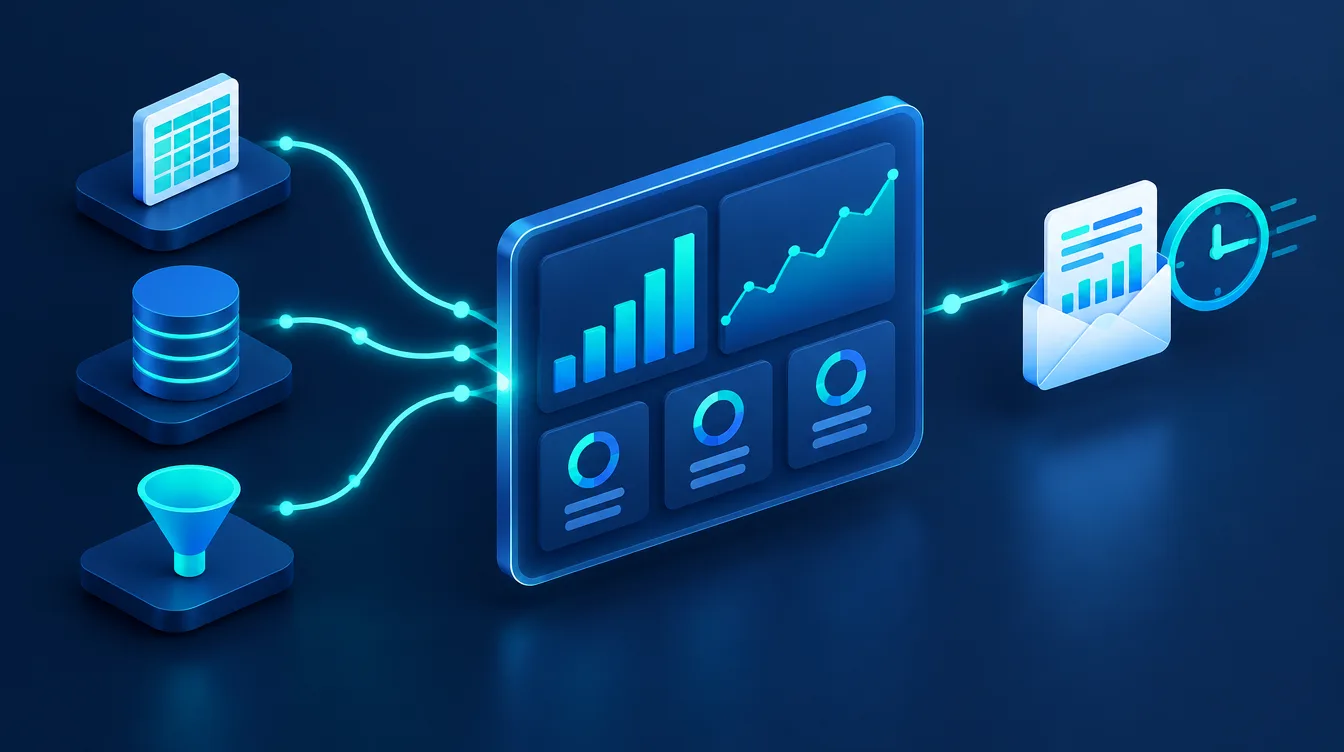
Automated reporting in Looker Studio means that figures from Google Analytics, Google Ads, Search Console or spreadsheets load themselves into one online dashboard, and a PDF report lands in management's inbox on a schedule. Nobody copies data into Excel any more. The tool is free and, since April 2026, is once again called Data Studio (formerly Google Data Studio, and Looker Studio from 2022 to 2026).
In short:
- Looker Studio, Data Studio and Google Data Studio are one and the same Google tool. Existing reports keep working unchanged.
- The standard version is free for report creators and viewers. The paid Data Studio Pro costs USD 9 per user per project per month according to Google's pricing.
- You can connect more than 20 Google connectors (GA4, Google Ads, Search Console, Google Sheets, BigQuery, MySQL…) and more than 1,300 third-party community connectors.
- Scheduled delivery sends a PDF and a report link to up to 50 recipients, at most once a day in the free version.
- Agree on 3–5 KPIs first. A dashboard with 40 charts nobody reads is just a prettier spreadsheet.
What reporting is and why automate it
Reporting is the regular hand-over of business or marketing results in a form you can make decisions from: how many enquiries came in, what one order cost, how campaigns and organic search are performing. A good report answers the question what should we change, not just what happened.
Manual reporting has three weaknesses: it eats hours of repetitive work, the data is out of date the moment the file is saved, and copying between spreadsheets introduces errors. Automated reporting hands these steps to the machine. Data is pulled straight from the sources, the report is always current, and you spend your time on interpretation instead of retyping numbers.
Illustrative example (fictional): a small online shop downloads exports from Google Analytics and Google Ads every month, stitches them together in Excel and emails them to the owner. After moving to a Data Studio dashboard, the owner gets a PDF with the weekly overview every Monday morning and can open the live version with a custom date filter at any time.
Looker Studio, Data Studio, Google Data Studio: one tool, three names
Whether you search for Google Data Studio or Looker Studio, it is the same free tool for building reports and dashboards. Google renamed Data Studio to Looker Studio in October 2022 and in April 2026 announced a return to the name Data Studio. According to the announcement, all reports, data sources and users moved over with no action required on their part.
| Period | Name | What changed |
|---|---|---|
| until October 2022 | Google Data Studio | original name of the tool |
| October 2022 – April 2026 | Looker Studio, paid tier Looker Studio Pro | brought under the Looker brand |
| from April 2026 | Data Studio, paid tier Data Studio Pro | back to the original name; the tool also surfaces BigQuery conversational agents |
Do not confuse it with Looker: that is a separate enterprise BI platform in Google Cloud with its own data modelling and different pricing. For a small or medium-sized business, Data Studio is enough. You open the tool at datastudio.google.com with your Google account.
How much Data Studio costs: free vs Pro
The free version covers what most small and medium-sized businesses need. Pro mainly adds team content management, higher delivery frequency and limits, and Google Cloud support.
| Data Studio (free) | Data Studio Pro | |
|---|---|---|
| Price | free for creators and viewers | USD 9 per user per project per month (may vary with subscription length) |
| Scheduled email delivery | at most once a day | up to once an hour, custom subject and message, send now |
| Emails per user | 200 a day / 800 a month (Google account), 500 / 3,000 (Google Workspace) | unlimited |
| Content management | reports belong to individual users | team workspaces, content belongs to the organisation |
| Support | community forum | Google Cloud support |
Pro pays off when several people share reports and you do not want them stranded in a former employee's personal account, or when you need to send reports more often than once a day.
What data you can connect to Data Studio
Data reaches a report through connectors. Google's connectors are free and cover the usual marketing and business sources:
- Marketing and measurement: Google Analytics, Google Ads, Search Console, YouTube Analytics, Campaign Manager 360, Display & Video 360, Search Ads 360, Google Ad Manager 360.
- Spreadsheets and files: Google Sheets, Microsoft Excel, CSV file upload.
- Databases: BigQuery, MySQL, PostgreSQL, Microsoft SQL Server, Cloud SQL, Amazon Redshift and more.
- Community connectors: according to Google, more than 1,300 third-party connectors, for example for Meta Ads or e-commerce platforms. They are built by other companies, which set their own pricing and terms.
Anything without its own connector is easiest to bring in through Google Sheets: an automation in a tool such as Make, Zapier or n8n writes the data to a sheet every day (see our comparison n8n vs Zapier vs Make) and Data Studio reads it from there.
How to set up automated reporting step by step
- 1Decide what the report must answer. List 3–5 KPIs that drive revenue, such as number of enquiries, cost per enquiry, online shop revenue and share of organic traffic. For each KPI, define the data source and a target value.
- 2Check that the sources measure correctly. A report is only as good as its data. In Google Analytics 4 you need key events configured, otherwise you will see visits but not enquiries.
- 3Connect the data sources. At datastudio.google.com choose Create → Data source, select a connector (for example Google Analytics), the account and property, and click Connect. Add Google Ads, Search Console or a sheet the same way.
- 4Build the report. Start from a blank report or a gallery template. Put the main KPIs on the first page as scorecards compared with the previous period, with a time-series chart and a table by channel underneath.
- 5Add controls. A date range control and filters (channel, campaign, country) let readers answer follow-up questions without you.
- 6Blend sources where it makes sense. The blend feature combines up to 5 data sources in one chart, typically Google Ads costs with GA4 conversions by date or campaign. Joins only work on matching fields (for example the same date).
- 7Set data freshness and delivery. Check how often data refreshes (table below) and schedule delivery under Share → Schedule delivery.
How often data refreshes in Data Studio
| Data source | Default refresh | Options |
|---|---|---|
| Google Analytics | every 12 hours | 1, 4 or 12 hours |
| Google Ads, Search Console | every 12 hours | cannot be changed |
| Google Sheets | every 15 minutes | 15 minutes, 1, 4 or 12 hours |
| BigQuery | every 12 hours | 1–50 minutes or 1–12 hours |
Editors can also refresh data manually (More options → Refresh data). You can allow viewers to do the same in the report settings (Viewer data refresh). Search Console itself publishes data with a delay of roughly two to three days, so the most recent days in the report will always be incomplete. More in our Google Search Console guide.
Scheduled email delivery of the report
In the report, click Share → Schedule delivery, add recipients (up to 50 addresses including group aliases; you are always included), choose the pages, start time and repeat interval (daily, weekly, monthly or custom, such as every other Monday). The email contains a PDF of the selected pages and a link to the live report.
A scheduled report uses the report's default date range and filters. Set the default period as relative (for example last 7 days or last month), otherwise everyone keeps receiving the same figures. A report with a chart error is not sent, so download it to PDF manually once before scheduling.
What belongs in a marketing dashboard
A proven structure is one page for management and several detailed pages for the people who run the channels:
| Page | What to track | Data source |
|---|---|---|
| Management overview | enquiries or orders, revenue, cost per conversion, comparison with the previous period | GA4, Google Ads, revenue sheet |
| Traffic and acquisition | channels, campaigns, key events by channel | GA4 |
| PPC campaigns | cost, conversions, cost per conversion, return by campaign | Google Ads, or a community connector for Meta |
| SEO | clicks, impressions, average position, top queries and pages | Search Console |
| Sales | enquiries from the CRM, won deals, average deal value | Google Sheets or a database |
How to read campaign data and what to adjust is covered in our Google Ads campaign guide.
Limits and common problems
- Google Analytics quotas. The GA4 connector consumes Google Analytics Data API quotas: for a standard property 40,000 tokens per hour and 200,000 tokens per day, and at most 14,000 tokens per hour for a single project. A report with dozens of charts opened by several people at once then shows a quota error. Fewer charts per page, data extraction (the Extract data connector) or a GA4 export to BigQuery will help.
- Blends only live in one report. A blend cannot be reused in another report; it is copied along when you copy the report.
- Number format in the PDF. The scheduled PDF uses US number, currency and date formats. That rarely matters internally, but mention it to clients.
- Ad platform data is not real-time. Google Ads and Search Console refresh every 12 hours, so use the platforms themselves for day-to-day campaign management.
- Report ownership. In the free version, reports belong to the account that created them. Create them under a company account, not an employee's or agency's personal account.
Where Data Studio is not enough, for example for complex calculations over millions of rows, the data is first prepared in BigQuery or another database and Data Studio is used only for visualisation.
When to hand reporting to a specialist
You can build a simple dashboard from GA4 and Search Console with this guide in an afternoon. Consider a specialist when you are combining data from several ad platforms, a CRM and an online shop, when the numbers in the report do not match the ad platforms, or when you want to connect reporting to other automations.
At Weboptim we build reporting as part of process digitalisation and automation, and for clients with PPC campaign management we use it to evaluate results regularly. Tell us via the contact form which data you currently report by hand and we will suggest how to automate it.
Frequently asked questions
Is Looker Studio free?
What is the difference between Looker Studio and Google Data Studio?
How do I email a Looker Studio report automatically?
How often does data update in Looker Studio?
Why does Looker Studio show a Google Analytics quota error?
Sources

Written by
Peter GáboríkProject Manager – AI, Automation & SEO
Project manager and founder of Weboptim. Builds growth strategies around SEO, automation and AI; in online marketing since 2017.
Related service
Tips that save time – once a month
One e-mail a month: a new guide, the automation of the month and one number from practice. No spam.