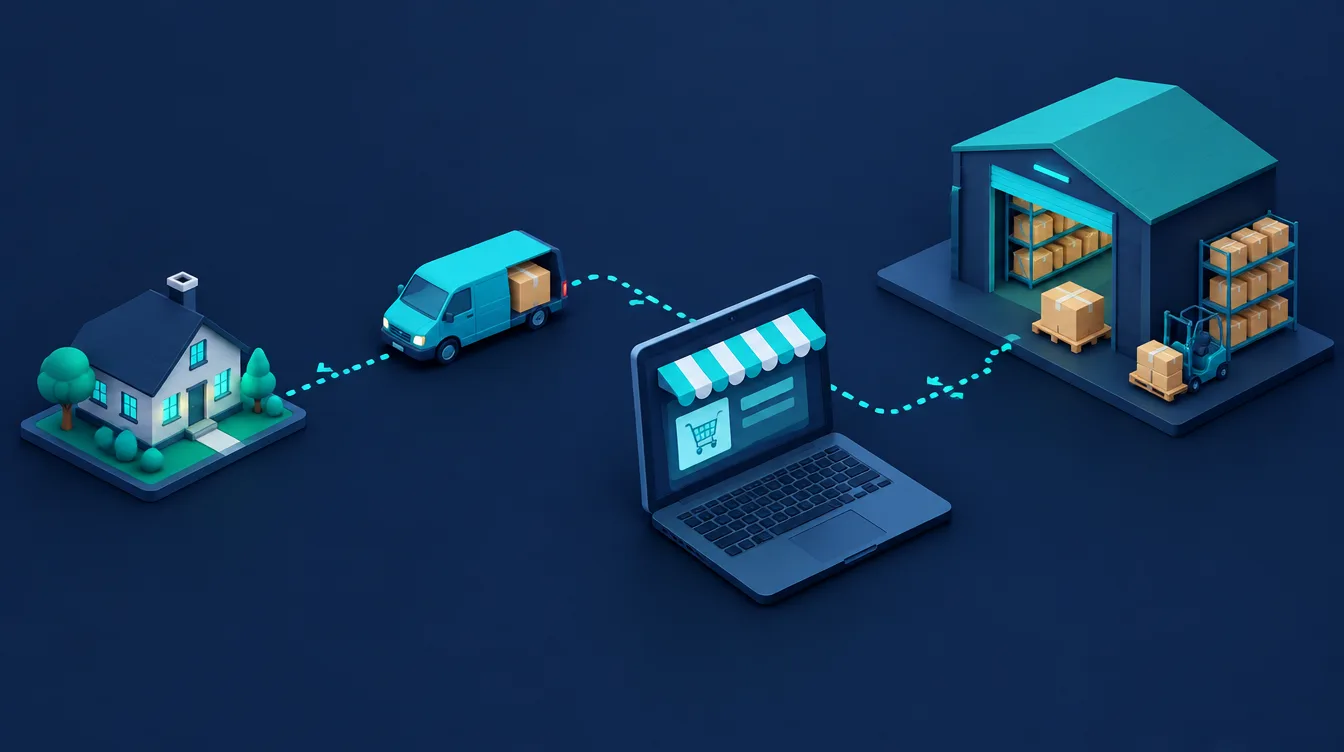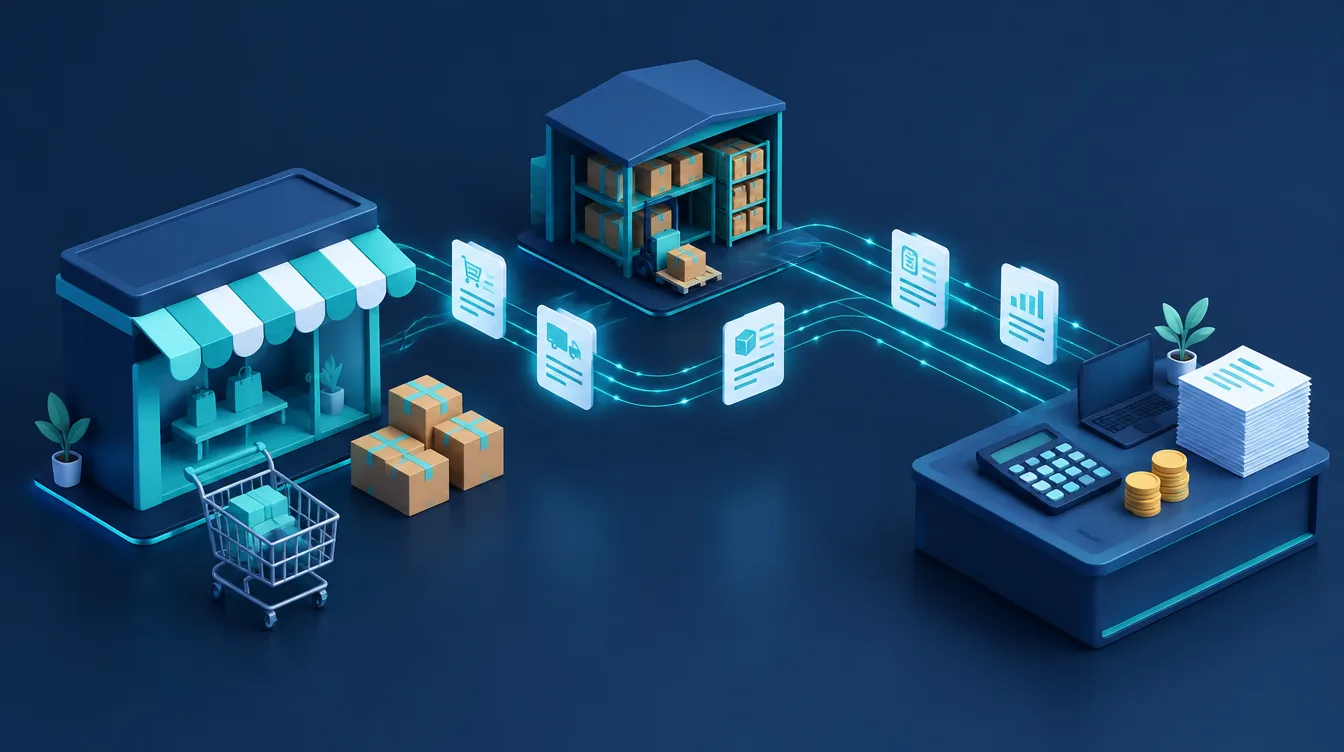
Connecting an online store to accounting software means that orders, invoices, customers and stock levels move between the shop and the books automatically, with no retyping. The three systems most Czech and Slovak shops ask about are POHODA, Money S3/Money S4 and ABRA Flexi (formerly FlexiBee). Whichever you use, there are three routes: a ready-made add-on, an integration platform, or a custom API integration. The right one depends on order volume, your warehouse and how many exceptions your process produces.
In short:
- A shop and accounting software typically exchange orders, invoices, customers, the catalogue with prices, stock levels and payment status.
- Popular platforms such as Shoptet have ready-made add-ons. For example, Money lists its Shoptet–Money S3 add-on from CZK 300 a month plus an e-shop connector at CZK 3,990 a year (excl. VAT).
- POHODA exchanges data as XML, online through its built-in HTTP server, POHODA mServer. ABRA Flexi has a REST API (JSON and XML). Money S4 belongs to the Money ERP line and connects through the E-shop konektor PLUS module or partner integrations.
- Before connecting anything, decide which system is the source of truth for catalogue, prices, stock and invoice numbering. Most problems start here, not in the technology.
- With dozens of orders a day, an integration usually pays for itself within months by removing retyping and errors in VAT, stock and payment matching.
What flows between an online store and accounting software
Accounting software (an ERP system in larger companies) and the online store work with the same data from different angles. The integration defines which data flows where:
| Data | Usual direction | Why it matters |
|---|---|---|
| Orders | shop → accounting | stock reservation, delivery note, basis for the invoice |
| Invoices and proforma invoices | as configured (created in one system only) | one numbering series, correct VAT |
| Customers | shop → accounting | company ID, VAT number and address without retyping |
| Catalogue and prices | accounting → shop, or the other way | a single price source, no mismatches |
| Stock levels | accounting/warehouse → shop | the shop does not sell what is out of stock |
| Payments | bank/payment gateway → accounting → shop | order status "paid" and a matched invoice |
| Credit notes and returns | both ways | stock and revenue correctly reduced |
You do not have to connect everything at once. The usual first step is moving orders and invoices into accounting; stock and prices come next.
Three ways to connect a shop to accounting
| Route | How it works | Best for | Watch out for |
|---|---|---|---|
| Ready-made add-on (connector) | an add-on for the shop platform or a module of the accounting software | standard Shoptet, WooCommerce, Upgates and a typical process | limited field mapping, exceptions handled manually |
| Integration platform | a third-party service links shop and accounting by scenario | several systems at once, marketplaces, warehouse, carriers | another monthly fee, vendor dependency |
| Custom API integration | a developer builds the connection | non-standard process, custom shop, high volume | higher upfront cost, maintenance and monitoring |
Between an add-on and a custom build sit automation tools such as Make or n8n. They suit supporting flows, for example an alert about an unmatched payment. We compare them in n8n vs Zapier vs Make.
Connecting a shop to POHODA
POHODA by Stormware exchanges data in XML. For an online store there are two options:
- XML file import and export: the shop or an add-on creates XML with orders or invoices and POHODA imports it. Simple and reliable, but not real time.
- POHODA mServer: a built-in HTTP server that accepts XML requests and returns XML responses, so a shop or integration service can read and write data continuously.
Mind security: according to Stormware's documentation, mServer only speaks unencrypted HTTP and exposing it directly to the internet is "extremely dangerous". Run it on the internal network with VPN access, or behind an HTTP connector on an IIS server with HTTPS. Leave this part to whoever manages your network.
Money S3 and Money S4: connector, add-on or API
Money accounting software is developed by Seyfor. Money S3 is accounting software for smaller businesses; Money S4 is a packaged ERP from the Money ERP line for small and mid-sized companies that need multiple warehouses, job costing or EDI.
Money S3 offers three options:
- E-shop connector: XML file exchange (local, network or FTP). Money S3 sends stock and order statuses to the shop and receives orders, invoices and addresses.
- Ready-made Shoptet add-on: you choose what transfers (catalogue, stock, address book, orders, invoices, proforma invoices, credit notes).
- API module (GraphQL), CZK 4,990 a year excl. VAT, for connecting a shop, CRM, warehouse system or invoicing tool.
For Money S4, Seyfor offers the E-shop konektor PLUS module and a network of partner integrations. Confirm the interface and price for your platform with the implementation partner before choosing the shop, as ERP integrations are usually part of the implementation project.
ABRA Flexi (formerly FlexiBee) and its REST API
ABRA Flexi, previously known as FlexiBee, is online accounting and business software built on a REST API. A shop can send data as JSON or XML, which makes it a good fit for both custom integrations and ready-made connectors.
ABRA Flexi's guide to connecting any online store recommends practices that apply generally:
- Many integrations skip the order register and create the issued invoice directly. If you need stock reservations, create a received order and generate the invoice from it on fulfilment.
- Use external identifiers (e.g. `ext:` with the shop's order number) so orders can be updated later without duplicates.
- Instead of constant polling, use webhooks that report only changed data.
Planning the integration in seven steps
- 1Map the process. How an order is created, who handles it, when the invoice is issued, where goods ship from and how customers pay. A simple workflow diagram helps.
- 2Pick the source of truth. One system per data type: catalogue and prices, stock, customers, invoice numbering. Never let both the shop and accounting number invoices.
- 3Map code lists. VAT rates, payment and shipping methods, currencies, cost centres, warehouses and posting rules. Wrongly mapped shipping or VAT is the most common accounting error in online retail.
- 4Solve payments. Card payments through a gateway, bank transfers and cash on delivery are matched differently. Decide where matching happens and how "paid" returns to the shop. See invoice automation for the next steps.
- 5Choose the route. Add-on, integration platform or custom build, per the table above. If you are still choosing a shop platform, check available connectors first (see our e-commerce platform comparison).
- 6Test on a copy of the data. Run a normal order, a foreign order, a discount code, a partial return and a cancellation before switching to live books.
- 7Set up error alerts. The integration should report failures by e-mail or chat, never silently skip an order. Reconcile shop and accounting revenue once a month.
Example: a shop with 40 orders a day (fictional)
A fictional homeware shop handles 40 orders a day. Retyping an order into accounting, issuing the invoice and deducting stock takes about 3 minutes, so 2 hours a day or roughly 40 hours a month. Add the errors: items sold twice because shop stock updated once a day, and invoices with the wrong VAT rate on shipping.
Once the shop is connected through an add-on, orders and invoices transfer automatically and stock levels flow back to the shop continuously. Manual work remains for exceptions (returns, complaints, unmatched payments), an estimated few hours a month. Even with a monthly add-on fee and one-off setup, the investment pays back within the first months at this volume. The figures are illustrative; calculate your own saving from your order volume.
Common mistakes
- Two invoice numbering series: both the shop and accounting issue invoices, causing duplicates or gaps.
- Stock synced once a day: enough to sell fast-moving items you no longer have.
- Missing VAT and shipping mapping: shipping, postage and discounts are posted differently from goods.
- No testing of exceptions: a normal order works, a cancellation or partial return breaks stock.
- Security: a publicly reachable accounting server or shared API credentials put customer and company data at risk.
When to bring in a specialist
You can set up a ready-made Shoptet add-on for Money S3 or POHODA yourself if your process is simple and you have one warehouse. A specialist pays off when you connect several systems (shop, warehouse, marketplace, carrier, accounting), run Money S4 or ABRA Flexi with custom logic, have a custom-built shop without a connector, or your current integration keeps producing errors.
At Weboptim we connect online stores with accounting and other systems as part of our process digitalisation and automation service. We start with a process map and an ROI estimate, not with a tool. If you are building a new store, we plan the accounting integration from day one in e-commerce development.
Frequently asked questions
How do I connect an online store to accounting software?
How does POHODA connect to an online store?
Can Money S4 connect to an online store?
What is the difference between ABRA Flexi and FlexiBee?
How much does a shop–accounting integration cost?
Sources

Written by
Peter GáboríkProject Manager – AI, Automation & SEO
Project manager and founder of Weboptim. Builds growth strategies around SEO, automation and AI; in online marketing since 2017.
Related service
Tips that save time – once a month
One e-mail a month: a new guide, the automation of the month and one number from practice. No spam.