How to start an online store: check that your product has demand and a healthy margin, register your business, choose a platform (a hosted service such as Shopify, WooCommerce on WordPress, or a custom build), prepare your terms, connect payments and shipping, and only then start marketing. A small hosted store can be live within weeks.
In brief:
- For a first store with tens to hundreds of products, a hosted platform is usually enough; WooCommerce gives more freedom in exchange for running it yourself.
- Selling to EU consumers means terms and conditions, a 14-day right of withdrawal, a two-year legal guarantee and cookie consent.
- The platform fee is the cheap part; budget mainly for photos, product copy and marketing.
- Set up conversion tracking before you spend anything on ads.
How to start an online store step by step
- 1Validate the product and margin.
- 2Register your business and clarify VAT.
- 3Prepare legal pages – terms, complaints, privacy, cookies.
- 4Choose a platform – hosted, WooCommerce or custom.
- 5Connect payments and shipping.
- 6Add content – categories, product copy, photos.
- 7Test and launch.
- 8Bring in customers – SEO, PPC, comparison sites, email.
1. Product, demand and margin come first
The most expensive mistake is a beautiful store for a product you cannot make money on. Before you think about how to create an online store technically, find out who searches for the product (through keyword research), who already sells it and at what price, and how much you keep per order.
Calculate the margin honestly: selling price without VAT, minus purchase price, shipping the customer does not pay, payment fees, packaging, returns and advertising cost per order. If only a few percent remain, the store will not sustain itself.
Example: an online clothing store
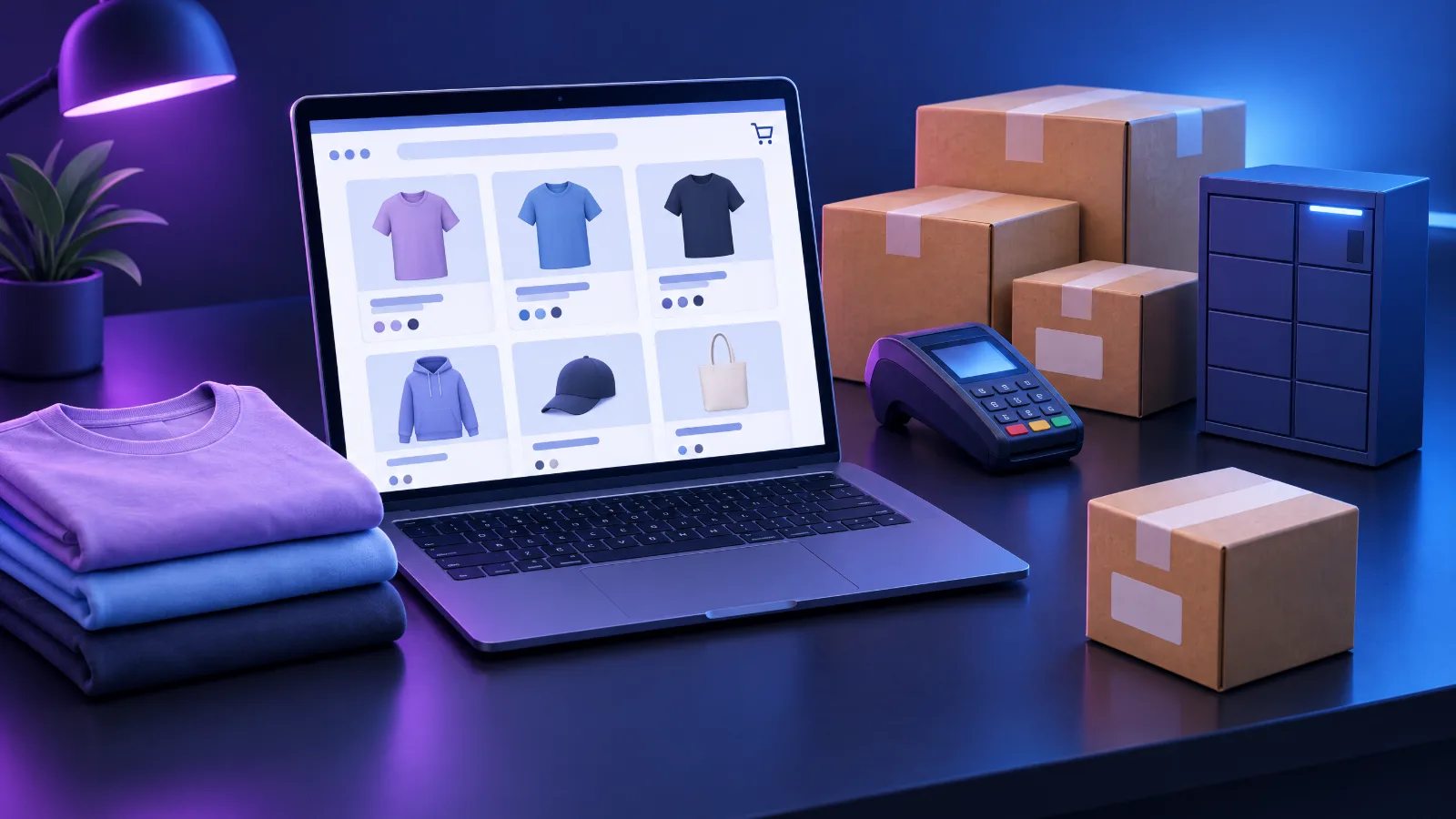
Clothing is a popular first category but one of the harder ones. An illustrative fictional T-shirt store shows what to plan for:
- Variants: one T-shirt in five sizes and three colours means 15 stock items; the platform must handle variants and stock.
- Returns: EU customers can return goods within 14 days without a reason, more often with clothing. Exact size charts and photos on a model reduce returns.
- Own brand: reselling well-known brands means a price war; your own designs or a narrow niche leave room for margin.
Start a new store or buy an existing one?
Online stores for sale promise a ready website and suppliers. Ask for analytics and accounting data for at least a year and check where revenue comes from; if only from paid ads, you are mainly buying costs.
2. Legal basics for selling online in the EU
Rules depend on your country, so treat this as a checklist to verify locally, not legal advice. You need a registered business and, when selling to EU consumers:
- Seller information: business name, registration number, address, email and phone.
- Terms and conditions with the total price including delivery and payment options; the final order button must say the order involves an obligation to pay.
- 14-day right of withdrawal: consumers can return goods without a reason within 14 days of delivery; you refund within 14 days of their notice.
- Legal guarantee: at least two years for defects; describe the complaints process.
- Withdrawal button: an EU directive requires an online “withdraw from contract” function from 19 June 2026; some countries implement it later.
- Privacy and cookies: a GDPR privacy notice and consent before analytics and marketing cookies run.
- Discounts and reviews: show the lowest price of the last 30 days next to a discount and state how you verify customer reviews.
- Product safety (GPSR): since 13 December 2024, product pages must show manufacturer details and safety information.
- Accessibility: since 28 June 2025, the European Accessibility Act covers e-shops; microenterprises (under 10 employees and up to €2 million turnover or balance sheet) are exempt for services.
Taxes: check your national VAT threshold. Once your cross-border sales to EU consumers exceed €10,000 a year, VAT is due in the customer’s country, reportable through the One Stop Shop (OSS).
3. Choosing a platform
Most new stores choose between three paths. A detailed comparison of Central European options is in Shoptet vs Upgates vs WooCommerce.
| Option | Best for | Costs | Main advantage | Limits |
|---|---|---|---|---|
| Hosted (Shopify, Shoptet, Upgates) | new and smaller stores | monthly plan | fast start, hosting and updates included | less design freedom |
| WooCommerce (WordPress) | content-driven stores | free plugin, paid hosting and extensions | full control, no revenue share | updates and security are yours |
| Custom build | complex processes, B2B | highest upfront investment | features built around you | longer build, supplier dependence |
As of October 2026, Shopify plans cost $39, $105 and $399 a month ($29, $79 and $299 billed yearly), plus card fees. WooCommerce is free; its pricing page estimates hosting at $25–350 a month and extensions at $29–299 a year each. Shoptet and Upgates are hosted platforms popular in Czechia and Slovakia, with local payments and carriers built in.
Building a store on WordPress
- 1Choose hosting with enough performance; see how to choose web hosting.
- 2Install WordPress and WooCommerce; the setup wizard covers currency, taxes and shipping.
- 3Add a compatible theme, payment and shipping plugins, backups and regular updates – outdated plugins are the most common security risk.
Selling on Facebook and Instagram
Social networks do not replace an online store. Meta Shops pull the catalogue from your website, and since 2025 Meta has been moving checkout back to the seller’s site. Selling through posts means handling orders manually, and consumer rules still apply.
4. How much it costs to start an online store
The structure below is indicative; amounts depend on your range and chosen path.
| Item | One-off | Ongoing |
|---|---|---|
| Business registration | depends on country | accounting |
| Domain | – | small yearly fee |
| Platform | free to start (hosted) or custom quote | monthly plan or hosting |
| Photos and product copy | per product | new products |
| Payments and shipping | integration | transaction fees, shipping |
| Marketing | launch campaigns | ad budget |
Content and marketing are the most underestimated items. The platform is cheap; bringing in visitors is not. Expect ads to cost more than they return in the first months.
5. Payments, shipping and launch
Offer online card payment, the methods common in your market and pickup points. Gateways charge a fee per transaction. Cash on delivery raises costs and the risk of uncollected parcels.
Pre-launch checklist:
- a test order with every payment and shipping method
- automatic emails with your terms attached
- mobile display and loading speed
- cookie banner and tracking (GA4, conversions) before ads start
- your own product descriptions, not supplier copy shared by dozens of stores
6. How to grow sales after launch
- SEO: categories and products named the way people search; results take months.
- PPC: the fastest source of first orders, especially Google Shopping ads.
- Comparison sites: they bring shoppers already choosing a product.
- Email: automated post-purchase emails bring repeat orders cheaply.
When to bring in a specialist
You can launch a simple hosted store yourself. A specialist pays off when you need to connect stock, accounting or an ERP system, have B2B price lists or want WooCommerce with your own design and maintenance. At Weboptim we build stores on WooCommerce and Shoptet, including tracking and marketing, as part of our e-commerce development. Tell us about your plans via our contact form and we will recommend a platform based on your numbers.
Frequently asked questions
How do I start an online store for free?
How much does it cost to start an online store?
Should I choose Shopify or WooCommerce?
What legal pages does an online store need in the EU?
Can I run an online store only on Facebook or Instagram?
Sources

Written by
Peter GáboríkProject Manager – AI, Automation & SEO
Project manager and founder of Weboptim. Builds growth strategies around SEO, automation and AI; in online marketing since 2017.
Related service
Tips that save time – once a month
One e-mail a month: a new guide, the automation of the month and one number from practice. No spam.