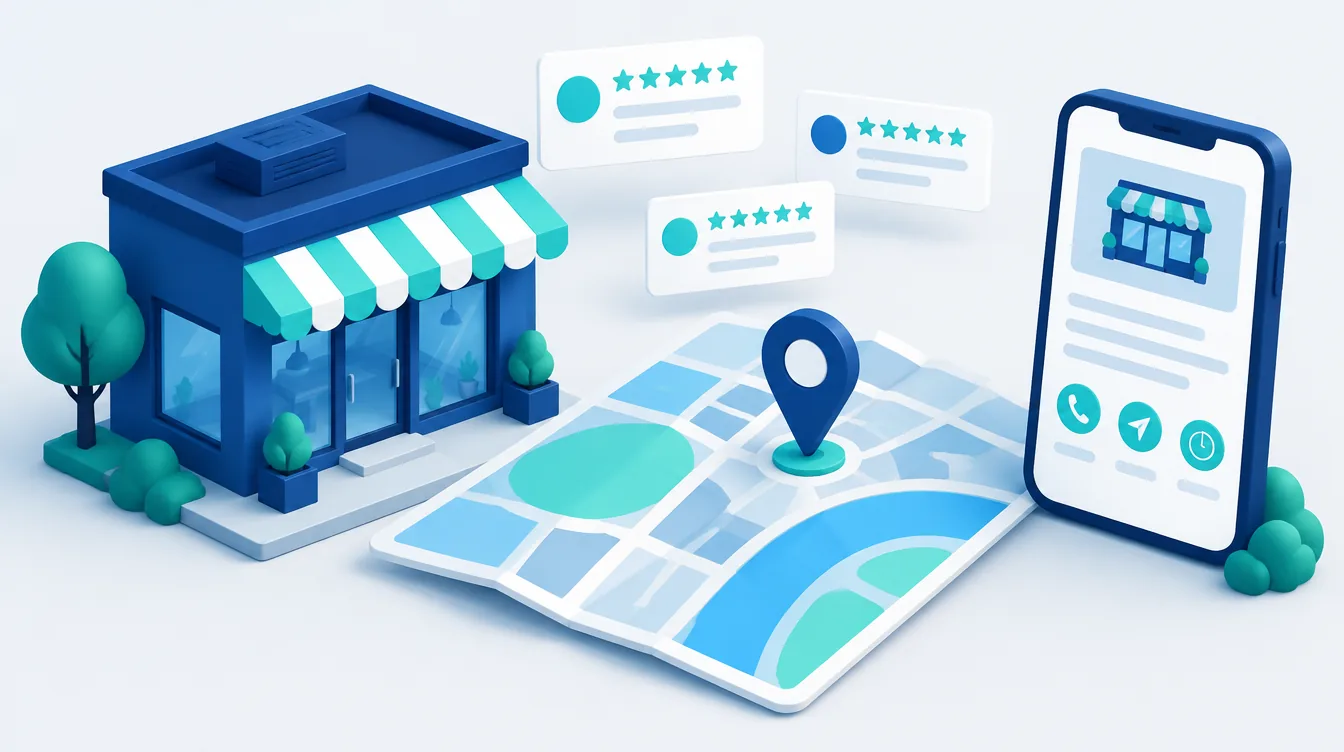
Google Business Profile (formerly Google My Business) is a free business listing shown in Google Search and Google Maps. You create it at business.google.com, verify it (most often by video, phone or email), fill in your category, opening hours, services and photos, and then keep collecting reviews and replying to them. According to Google, local ranking depends on relevance, distance and prominence.
In brief:
- The profile is free, and you cannot pay Google for a better local ranking.
- Google says verified profiles are more likely to appear, and only verified businesses can reply to reviews.
- Keywords, city names and taglines don’t belong in your business name; they can get your profile suspended.
- Your primary category is the most important choice in the profile, so pick the most specific one.
- Ask every customer for a review, never in exchange for a discount or gift.
What Google Business Profile is and what it used to be called
For years, Google called its tool for managing business listings Google My Business. In November 2021 it was renamed Google Business Profile. Google retired the separate app in 2022; today you manage your profile at business.google.com, directly in Google Search or in the Google Maps app.
So when people search for “Google My Business” or “my business on Google”, they mean the same service. Some features have gone along the way: Google ended customer chat and call history on July 31, 2024. Guides that still recommend them are out of date.
Why your business profile matters
For searches with local intent, such as “hairdresser Leeds” or “car repair near me”, Google often shows a map block with several businesses above the regular results. The details in it and in Google Maps come from business profiles. Customers see your rating, opening hours and photos, and can call, get directions or open your website straight away.
Businesses with premises that customers visit can have a profile, and so can businesses that travel to customers (plumbers, cleaners). The latter set a service area and hide their address; Google’s guidelines say the area generally shouldn’t extend beyond about two hours’ drive from the base. Virtual offices and PO boxes are not eligible, and one location gets one profile. The wider picture, such as consistent contact details across your website and directories, is covered in our guide to local SEO.
How to create a Google Business Profile step by step
- 1Check that a profile doesn’t already exist. Search for your business in Google Maps. Claim an unmanaged profile; for a managed one, request access from the owner. A new profile would create a duplicate.
- 2Sign in with a company Google Account, not an employee’s personal one, so the profile doesn’t leave with a person. Add your agency and colleagues as managers.
- 3Enter your exact name and primary category.
- 4Say whether customers visit you. If they do, enter your address. If not, set a service area.
- 5Add your phone number and website. The number should reach the business directly, and the link should go to your website, not a social media page.
- 6Verify your business and complete the rest of the profile.
Verification methods (as of October 2026)
Google decides which methods you see based on your business type, public information and region. You can’t choose them, and sometimes you need more than one.
| Method | How it works | Watch out for |
|---|---|---|
| Video recording | a video following on-screen instructions | Google recommends it if available |
| Phone or text | a code sent to your business number | automated phone systems (IVR) can’t receive it |
| instructions sent to the email shown during verification | only if you can access that address | |
| Live video call | with a support representative, only during business hours | show your signage, equipment and proof you manage the business |
| Postcard | a code by post, usually within 14 days, valid for 30 days | don’t edit your name, address or category meanwhile |
Google then usually reviews your details within 5 business days. Verification can be instant if your website is verified in Google Search Console. Editing your category later may trigger re-verification.
How to fill in your business profile
Google says complete and accurate profiles are more likely to appear in local results. Go through every field:
| Field | Recommendation | Limit |
|---|---|---|
| Business name | your real-world name as on your sign and invoices, without keywords or location | 100 characters |
| Primary category | what the business is, not what it offers; as specific as possible | 1 |
| Additional categories | only for real departments or core lines of business | up to 9 |
| Description | what you do, for whom and where | 750 characters |
| Opening hours | regular and special hours (holidays, closures) | – |
| Phone | a number under your control, ideally local | primary + 2 more |
According to Google, categories affect which searches your profile appears for and your local ranking. Your primary category should complete the sentence “This business is a…”: nail salon rather than a general salon. You can’t create your own category, and you should add extra ones sparingly. Some categories unlock features such as booking links.
Services, attributes, photos and posts
- Services and products: pick the items suggested for your category or add your own; retailers can add in-store products.
- Attributes: wheelchair access, parking, Wi-Fi and, for virtual services, online attributes.
- Photos and videos: your logo, a cover photo and real photos of your premises, team and finished work. Google recommends adding them regularly.
- Posts: an update, an offer (which can include a coupon code) or an event. You can schedule them; posts older than six months are archived unless you set a date range. On an unverified profile they don’t show.
How to rank better in Google Maps: relevance, distance, prominence
| Factor | What it means according to Google | What you can do |
|---|---|---|
| Relevance | how well your profile matches the search | accurate categories, services, complete details |
| Distance | how far the business is from the searcher or the location in the query | nothing |
| Prominence | how well known the business is: among other things, links to your website and the number and rating of reviews | reviews, replies, a good website |
Google states plainly that there is no way to request or pay for a better local ranking. A common mistake is “optimising” the name: adding words like “Emergency Plumber Manchester 24/7” breaks the guidelines and can lead to suspension. What does help is a website with the same contact details as your profile and LocalBusiness structured data.
A hypothetical example (a fictional plumber, not one of our clients): with no premises, the business hides its address and sets a service area covering nearby towns. It picks plumber as the primary category and one additional category for heating work, uploads photos of finished jobs and automatically texts each customer a review link after every job.
Google reviews: how to get more reviews within the rules
Reviews affect your profile’s prominence and customers’ decisions. In your profile, open your reviews and choose to get more reviews: Google gives you a link to copy and a QR code (currently only in a browser on a computer). Send the link by email or text after a job, add it to receipts or thank-you emails, and print the QR code for your premises. Automate the request so it goes out after every job. Customers need a Google Account, which they can create with a non-Gmail address.
Google’s rules prohibit:
- offering money, discounts or gifts for a review, for changing one or for removing a negative one,
- asking only happy customers or discouraging negative reviews,
- pressuring customers to leave a rating on your premises or asking them to name an employee,
- setting staff quotas for a number of reviews,
- conflict-of-interest reviews: from employees, family or competitors.
Google removes fake reviews and can restrict the profile for a set period: it stops accepting new reviews, hides existing ones and shows a notice that fake reviews were removed. Google emails the owner beforehand, and you can appeal.
How to reply to reviews
Only verified businesses can reply. Replies are checked first, usually within 10 minutes but sometimes up to 30 days. Google recommends replies that are polite, brief and free of deals or promotions. For a negative review, don’t reveal personal information, check what happened, admit a genuine mistake and offer to resolve it privately.
A sample reply (fictional): “Hello, we’re sorry your installation date was moved. A materials delivery was delayed and we should have told you sooner. Please call us on the number in our profile and we’ll agree the next steps. Jane, operations manager.” Your replies are mainly read by future customers.
Unfair or fake reviews
You can’t delete a review. You can only report one that breaks Google’s policies, for example because it isn’t based on a real experience, is spam or involves a conflict of interest; disagreeing with the rating isn’t a reason. Report the review, choose a reason and track its status in the Reviews Management Tool. If Google finds no violation, you can appeal once per review. Meanwhile, reply to it factually. How reviews drive sales in online stores is covered in Star reviews, star sales.
Common profile problems
Suspended profile. Google suspends profiles that break its guidelines: keywords in the name, a virtual office, or a service area for a business that doesn’t travel to customers. Fix the profile and, in the appeals tool, attach evidence such as official business registration, a business licence or a utility bill. The name and address must match the profile. Each decision can be appealed once. Don’t create a new profile for the same business.
Duplicate profile. A profile marked as a duplicate doesn’t show. To get a verified profile someone else manages (a former employee or previous agency), request access: the owner has 3 days to respond, and if they don’t, you may be able to claim it. To merge two profiles, suggest it in Google Maps; reviews are combined, but replies may be lost.
How to measure your Business Profile results
You’ll find performance data directly in your profile in Google Search or Google Maps: views, searches (updated at the start of each month) and interactions, meaning calls, directions, website clicks, messages and bookings.
Without tagging, visits from your profile get mixed with other organic traffic from Google in Google Analytics 4. Add UTM parameters to your website link, for example yourbusiness.com/?utm_source=google&utm_medium=organic&utm_campaign=business-profile. Visits stay in Organic Search, and you can separate them by campaign. Reports and conversions are covered in our Google Analytics 4 guide.
When to hand your business profile to a specialist
You can set up and fill in a single profile yourself. Consider a specialist if you have several locations, your profile is suspended or duplicated, you work in a sector with strong local competition, or you want to connect the profile with your website, tracking and content. At Weboptim, we handle Google Business Profile as part of our SEO services: from setup and verification to a review request process and enquiry tracking. Tell us about your situation through our contact form.
Frequently asked questions
How do I create a Google Business Profile?
Is Google My Business free?
How long does Google Business Profile verification take?
How do I get more Google reviews?
Can I delete a negative Google review?
Why isn’t my business showing on Google Maps?
Sources

Written by
Peter GáboríkProject Manager – AI, Automation & SEO
Project manager and founder of Weboptim. Builds growth strategies around SEO, automation and AI; in online marketing since 2017.
Related service
Tips that save time – once a month
One e-mail a month: a new guide, the automation of the month and one number from practice. No spam.