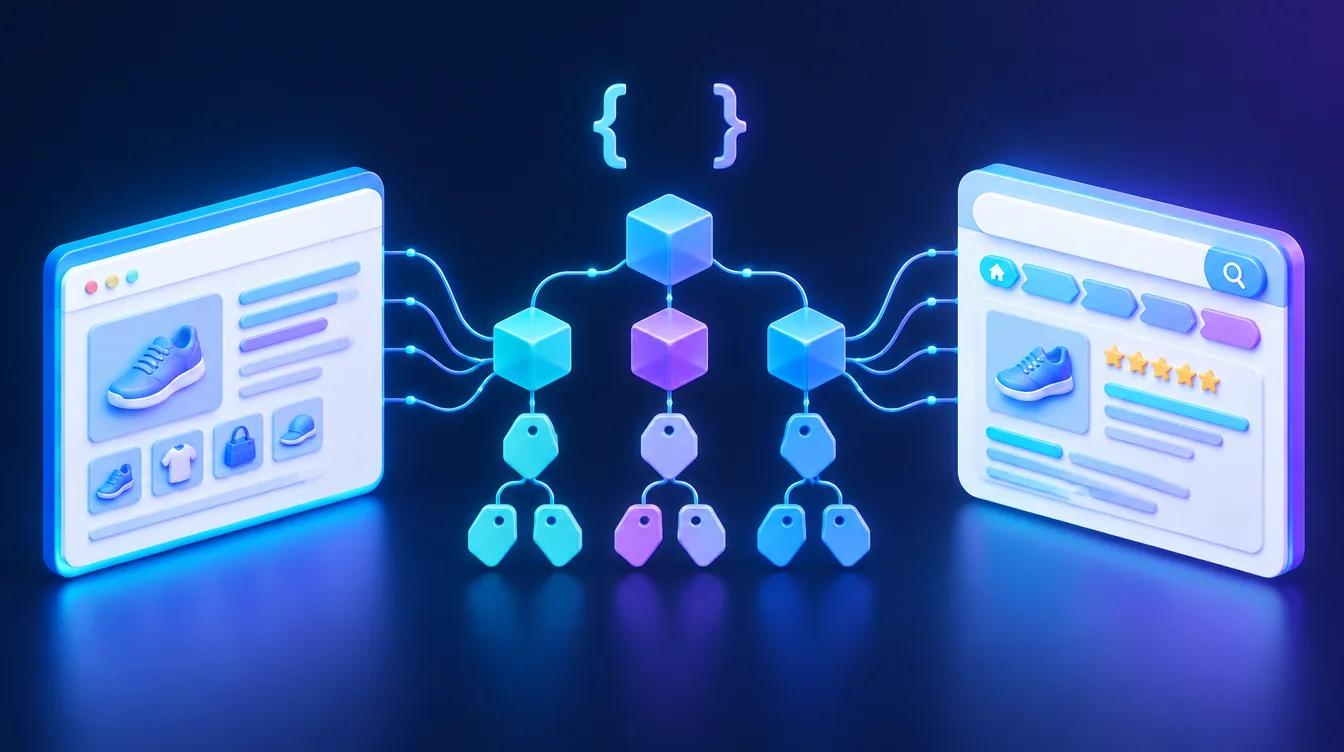
A web application (web app) is software that runs in your browser with nothing to install, such as Gmail, Outlook on the web or WhatsApp Web. Unlike an ordinary website, people work in it: they log in, enter and edit data. It pays off when your business repeats a process that spreadsheets or off-the-shelf software handle poorly.
In brief:
- It works on computers and phones without installation; all you need is a browser and a connection.
- A website informs; a web app is for working with data: orders, bookings, records, client portals.
- The main types are single-page applications (SPA) and progressive web apps (PWA), which install on the home screen.
- Build one when the time saved or new revenue exceeds the cost of building and running it; otherwise use an existing tool.
What a web application is and how it works
A web application is software whose user interface loads in the browser from the internet. The data and logic live on a server, in the backend, and the browser displays the results. So you can open it anywhere, on any device, and always use the current version: updates are deployed once on the server and users download nothing.
Web apps have three layers: the interface in the browser (frontend), the server logic and the database. They connect to each other and to accounting, an online store or a CRM through an API. An app can then, for example, take an order from your online store and prepare invoice data automatically.
Web application vs. website vs. mobile app
The line is not always sharp; purpose decides. A website informs and brings in customers, a web application is for getting work done, and a native mobile app from the App Store or Google Play makes the most of the phone’s hardware.
| Criterion | Website | Web application | Mobile app |
|---|---|---|---|
| Main purpose | inform, win enquiries | work with data, run a process | work with data, frequent mobile use |
| Installation | no | no (optional for a PWA) | yes, from an app store |
| Login | usually not | almost always | almost always |
| Platforms | any with a browser | any with a browser | separate iOS and Android |
| Updates | on the server | on the server | via the store, users download |
| Google Search | key channel | usually only the landing page | only the store listing |
If you mainly need to present your business and win enquiries, a good website is enough; see how to build a website.
Examples of web applications
You probably use web applications every day:
- Email and messaging: Gmail, Outlook on the web (formerly Outlook Web App, or OWA), WhatsApp Web, Telegram Web, and Discord or Microsoft Teams in the browser.
- Office and design: Google Docs, Figma, or AutoCAD Web for drawings without installation.
- Gaming: the EA Sports FC Web App, where players manage their Ultimate Team in a browser.
Typical business examples of web applications:
- a booking system with a calendar and upfront payment,
- a client portal where customers see order status, invoices and documents,
- a B2B ordering portal with individual price lists for wholesale customers,
- internal records of jobs, timesheets or service visits,
- a product calculator or configurator that works out the price and sends an enquiry.
Types of web applications: SPA, PWA and classic apps
Single-page application (SPA)
A single-page web application loads one page and then updates its content with JavaScript instead of reloading it. It feels as smooth as desktop software. According to MDN, the trade-off is harder SEO, state management, navigation and performance monitoring. For internal systems behind a login this does not matter; public content meant to rank in Google is usually rendered on the server. If what you need is mainly a fast content website rather than an application, see what the Astro framework is.
Progressive web apps (PWA)
A progressive web app (PWA) is a web application that behaves like a native one: it can be installed on the home screen, opens in its own window, can work offline and can send notifications. Technically, it consists of a manifest (app description and icons) and a service worker, which handles caching and background work. One codebase runs on desktop and mobile. A PWA can also be packaged and published in app stores, for example with PWABuilder.
Progressive web apps on iOS: since iOS and iPadOS 16.4, web apps added to the iPhone home screen can send push notifications. The app needs a manifest with the standalone or fullscreen display mode, and the user must allow notifications. Feature support varies between browsers and systems, so test a PWA on your users’ actual devices.
Classic multi-page applications
Each action loads a new page from the server. They look less modern but are simple to build, easy to index and enough for many record systems.
When a web application pays off
A custom app has to pay for itself through time saved, fewer errors or new revenue.
It pays off if at least two of these are true:
- You repeat a process daily or weekly and track it in spreadsheets, emails and on paper.
- Several people or roles work with the same data: sales, production, accounting, the customer.
- You copy data by hand between systems that don’t talk to each other.
- Off-the-shelf software misses key steps of your process, or you pay expensive per-user licences.
- The app can be part of your product, such as a client portal that sets you apart.
It does not pay off if:
- an existing tool covers most of your needs; for managing sales and contacts, consider a CRM system first,
- the process is still taking shape and changes every month,
- you have no budget for hosting, running and maintenance after launch,
- you only need to present your business; a website is enough.
A simple payback calculation (an illustrative example, not one of our clients): three site managers at a fictional construction company each spend about five hours a week copying timesheets into a spreadsheet, roughly 60 hours a month. At an internal cost of €30 per hour, that is €1,800 a month, much of which a simple timesheet app could save. Compare it with the cost of development and running the app to see how long the payback takes.
How to get from idea to launch
- 1Describe the process and roles. Who does what, what data is created and where errors happen today.
- 2Check existing solutions. A SaaS covering most of the process is often cheaper and can be extended with automation.
- 3Define the first version. Design an MVP with only the features the process cannot work without. Add the rest based on user feedback.
- 4Agree on ownership and technology. The source code and documentation should belong to you and live in your repository, so you are not tied to one vendor.
- 5Build in security from the start. Access rights, encryption, backups and GDPR. Broken Access Control tops the OWASP Top 10:2025 list of the most serious web application risks. See our website security checklist.
- 6Test with real users. A few days with real data reveal more than a long specification.
- 7Plan for running costs. Hosting, library updates, backups and small improvements are ongoing costs, not one-off.
When to bring in specialists
Spreadsheets or no-code tools can handle a simple record system. Bring in specialists when the app handles personal data or money, connects several systems or will be used by more than a few people. At Weboptim we build custom web applications for example in React and connect them to the tools you already use. We start with a process analysis and an MVP design, so you only pay for what pays back. Not sure if you need an app or an existing tool will do? Get in touch and we will talk it through.
Frequently asked questions
What is a web application?
What is the difference between a web application and a website?
What is a progressive web app (PWA)?
Do progressive web apps work on iPhone?
How much does it cost to build a web application?
What are some examples of web applications?
Sources

Written by
Peter GáboríkProject Manager – AI, Automation & SEO
Project manager and founder of Weboptim. Builds growth strategies around SEO, automation and AI; in online marketing since 2017.
Related service
Tips that save time – once a month
One e-mail a month: a new guide, the automation of the month and one number from practice. No spam.